

One set of records for office days and home days
The desktop app, the browser and the phone all write to the same timesheet.
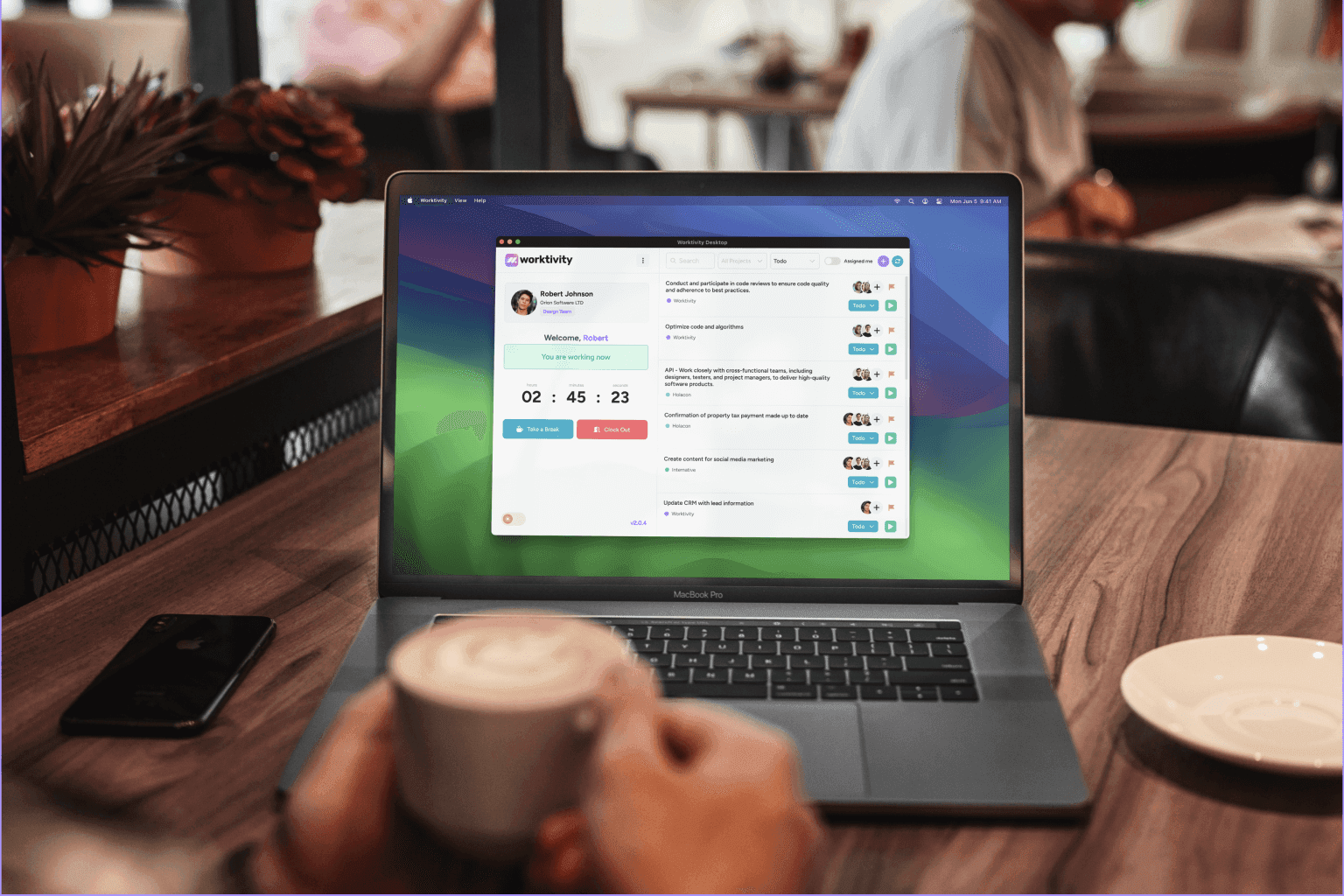
Hybrid teams split the week between the office, home and sometimes the road. Worktivity records all three the same way: the desktop app on a work computer, the Chrome extension where installing software is not an option, and the mobile app on days away from a desk. It records when and on what people work, never where.
How hybrid tracking works
Choosing the right app per person is most of the setup.
Which app should each person use?
The desktop app for full tracking on a work computer, the Chrome extension for shifts, breaks and tasks without installing anything, and the mobile app for days away from a desk.
Do the three apps record the same things?
No. Only the desktop app records applications, activity and screenshots. The Chrome extension and the mobile app record time, breaks and the chosen task. All three write to one timesheet.
Can one person use two apps at once?
A shift runs in one place at a time. If the desktop app recorded a minute in the last two minutes, the mobile app will not clock in, so the same minute is never counted twice.
How are office meetings counted?
People pick a work note such as Meeting before they leave the desk, and the time counts as working instead of idle.
Are office and home days treated differently?
No. Working days and expected hours apply to everyone, so late starts and short days are measured the same way wherever someone sits.

What your team gets out of it
One timesheet
There is no separate tally for office days. Hours from every app are in the same report.
Fair comparisons
Everyone is measured against the same working hours, so location does not tilt the numbers.
Meetings stay visible
The Work notes report shows how much of the week went into meetings and other off-screen work.
How hybrid teams set it up
The setup is the same as for any team. The difference is choosing the right app for each person.
Pick the app per role
Desk roles on the desktop app, locked-down machines on the Chrome extension, field days on the mobile app.
Write the work notes list
Up to twenty labels, such as Meeting, Workshop or Client visit.
Read the week, not the location
Timesheet, Work times and the heatmap show hours and patterns regardless of where they were worked.
What it does not do
What hybrid teams sometimes expect and do not get.
It does not track location
There is no office or home flag, and none of the apps reads location.
The lighter apps see less
Time from the Chrome extension and the mobile app carries no application, activity or screenshot data.
It does not plan office days
Desk booking and office rotas are outside Worktivity.
Teams that get the most out of it
Organizations where people move between the office, home and the road.
Software companies
Engineers alternating office and home days.
Professional services
Consultants between the office, home and client sites.
Agencies
Studio days and home days on the same client projects.
Financial services
Office-based teams with regular home days.
Education
Staff splitting their week between campus and home.
Sales teams
Desk time on the desktop app, visits on the mobile app.
Other solutions worth a look
Every solution shares the same platform, so running two of them together needs no extra setup.
Employee Monitoring
Activity, applications and optional screenshots, within limits you set and employees can see.
Learn moreTime Tracking
Work, break and idle time recorded by the desktop app while the shift runs.
Learn moreCost Management
Pay rates, billable amounts, payroll and customer invoices from tracked time.
Learn more
Put office and home days on one timesheet
Invite the team, let each person use the app that suits their day and read the timesheet at the end of the week.
No credit card required